

Training: How to work from home
Does your company only work when employees meet in one place?
Or is your company ready to work completely or partially remotely?
In modern companies, especially in the field of IT, the subject of activity is digital.
But even so, people often cannot do without face-to-face meetings such as training, meetings, and handing over accounting documents.
If you want to streamline the operation of the company and thus save money while at the same time
making work more pleasant for employees, learn to work remotely.
In case of the risk of diseases such as flu, tonsillitis or coronavirus (covid-19),
remote work is the best solution to minimize the risks of disease
and thus ensure the smooth running of the company.
After all, it is in the company's interest that employees are healthy and work efficiently,
which means producing more work at lower costs and thus creating more profit.
Whatever the reason for the remote work,
eventually, people will learn to use new effective procedures and tools.
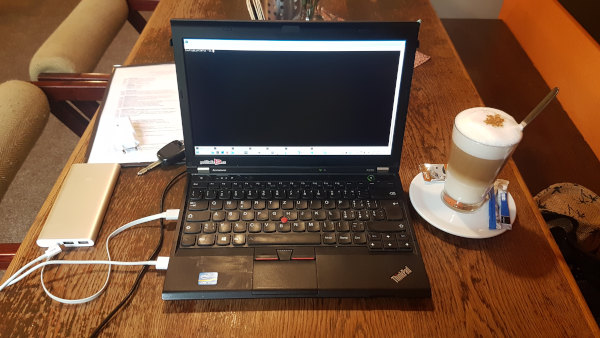
You will learn at this course
After completing the remote work training, you will know how to work remotely. You will know what to avoid. You will learn about typical tools that enable and streamline remote work.
Training syllabus
- What is homeoffice and remotework.
- What is the difference between homeoffice and remotework.
- Advantages of remote work.
- What to watch out for when working remotely.
- How to make it easier for employees to work from home.
-
What tools are needed for remote work:
- communication: chat, voice,video conferencing,desktop sharing
- Data sharing: cloud's, versioning. (In IT source code sharing.)
- Tools for efficient work: ssh, docker.
- Online Meeting Planning - Diaries
- Remote access to company data and programs, ie the company network. (Tools, VPN)
- Communication is the basis.
- How to remotely manage employees.
- Task management.
- Scheduling time and scheduling joint online meetings.
- Ensuring security.
Knowledge requirements
None.
Equipment requirements
This training I implement it online so that the participants can try out remote work straight away. That's why you need a computer with a browser, a microphone and a webcam. It doesn't matter what the OS is.
Advantage of the course
The course is designed for companies and teams of people who need or want to work without meeting in person, and for those who want to make work more efficient.